
When you need this
- A contract or form has arrived and needs your signature.
- You have no printer, or printing and scanning would be slower.
- You need to sign and return the document the same day.
- The form also needs a name, date or role typed next to the signature.
Steps
-
Open the PDF in PDF JustFit
Load the document from Files, or send it from Mail using the share sheet.
-
Choose the signing tool
Draw your signature with Apple Pencil on a supported iPad, or with your finger on iPhone or iPad.
-
Place and size the signature
Position it on the signature line and resize it to fit the space.
-
Add text if the form needs it
Use the text tool to add a name, date or role alongside the signature.
-
Export flattened
Export a flattened, share-ready PDF in a single tap, then send it back.
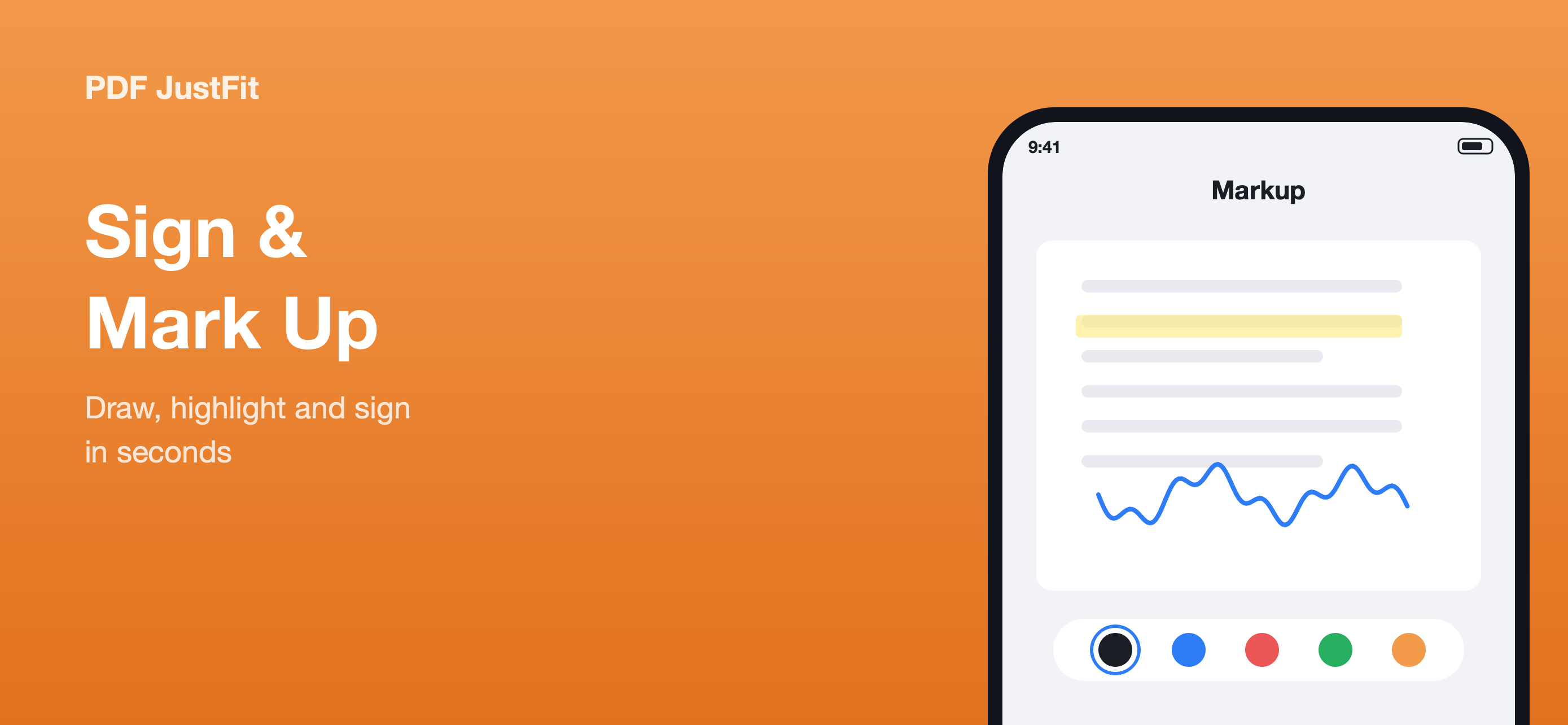
Sign where the document arrived
PDF JustFit includes signing alongside compression, conversion and annotation, so a document can be received, reviewed, signed and returned from one app on iPhone or iPad.
Flattened, share-ready output
A flattened PDF merges the signature into the page, so the result is predictable in other apps and the signature cannot be separated from the document.
Privacy and limitations
This is a visual signature, not a certificate
PDF JustFit places a handwritten signature on the page. It is not a certificate-based digital signature service, so check whether the recipient requires a certified signing workflow.
Compress before sending if needed
If the signed document still exceeds an email limit, compress it to a target size before attaching it.
Frequently asked questions
How do I sign a PDF on my iPhone?
Open the PDF in PDF JustFit, place a handwritten signature with Apple Pencil or your finger, position it, and export a flattened PDF.
Does PDF JustFit support Apple Pencil?
Yes. The product description states that Apple Pencil is supported for signing and annotation.
Can I add a date or name next to my signature?
Yes. PDF JustFit lets you add text as well as a signature, so a form that requires a name, date or role can be completed in the same pass.
Sources
Last verified: