
When you need this
- A document is too long to read end to end.
- You need to find a specific clause, figure or date.
- You want a summary of a chapter before committing to reading it.
- You need to check whether a topic is covered at all.
Steps
-
Download the AI model once
For AI chat, download the recommended on-device model (about 1 GB) one time. After that, everything works offline.
-
Open the PDF
Load the document in PDF JustFit. If it is a scan, its pages are OCR-recognised automatically.
-
Ask a specific question
Ask for a summary of a section, the location of a clause, or an explanation of a passage.
-
Check the citation
Each answer carries a page citation. Tap it to verify the source page.
-
Keep going
Ask follow-up questions — the document index stays available on the device.
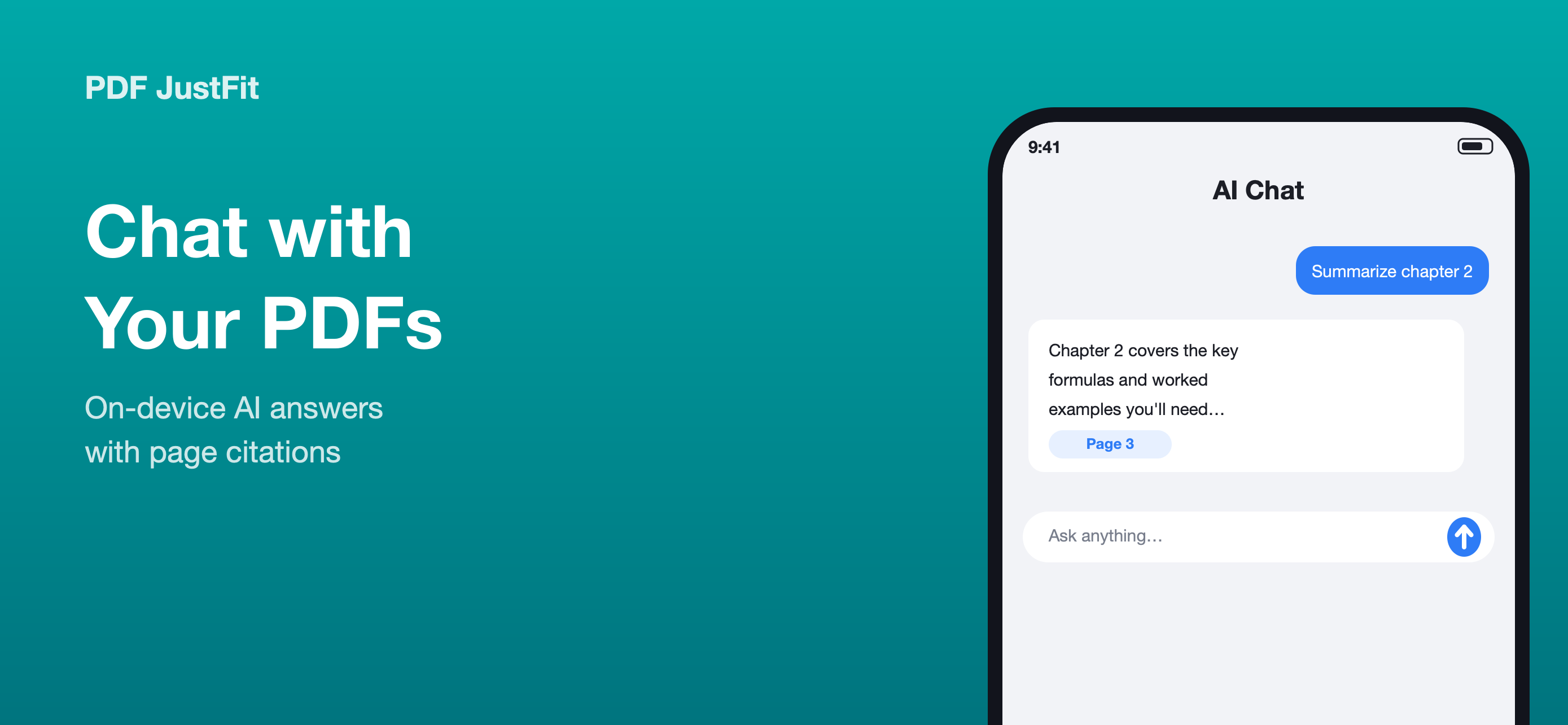
Answers you can verify
PDF JustFit shows page citations with answers, which matters when the document is a contract, a paper or a form. An answer you cannot check is not much use.
Scanned documents are included
Scanned pages are OCR-recognised automatically, so a photographed contract or a scanned textbook chapter can take part in AI chat in the same way as a digital PDF.
Private and offline
According to the product description, documents are never uploaded, questions and answers stay on your iPhone and iPad, and AI chat works without an internet connection once the model has been downloaded.
Privacy and limitations
Model download is required first
AI chat needs the on-device model. The product description notes that the recommended model is about 1 GB and is downloaded once; after that, AI chat works offline.
Offline after download, not before
The accurate statement is that AI document chat works offline after the AI model has been downloaded — not that the feature requires no download at all.
Frequently asked questions
How do I chat with a PDF on iPhone?
Download the on-device AI model once, open the PDF in PDF JustFit and ask a question. Answers include page citations so you can verify the source.
Does AI PDF chat need an internet connection?
AI document chat works offline after the AI model has been downloaded. The network is used to download the model weights.
Can I chat with a scanned PDF?
Yes. Scanned documents are OCR-recognised automatically, so nothing is left out of the index used by AI chat.
Sources
Last verified: