
When you need this
- A PDF on your iPhone is too large to email or upload.
- You received a large document as an attachment and need to send it back smaller.
- You want to reduce a scan without using a desktop computer.
- You need a predictable output size rather than a vague quality setting.
Steps
-
Open the PDF
Open PDF JustFit and pick the document from Files. If the PDF is in another app, send it to PDF JustFit from that app's share sheet instead.
-
Enter a target size
Type the size you need — for example 2 MB — or choose one of the four presets: Light, Balanced, Strong or Extreme.
-
Choose a compression mode
Smart compression keeps text, fonts and structure selectable. Maximum compression rasterises pages for the smallest possible file.
-
Compress and compare
Run the compression and compare the original and the result side by side, page by page.
-
Export the result
Save the compressed PDF or share it directly. The result is also saved to History with the original size, output size and savings.
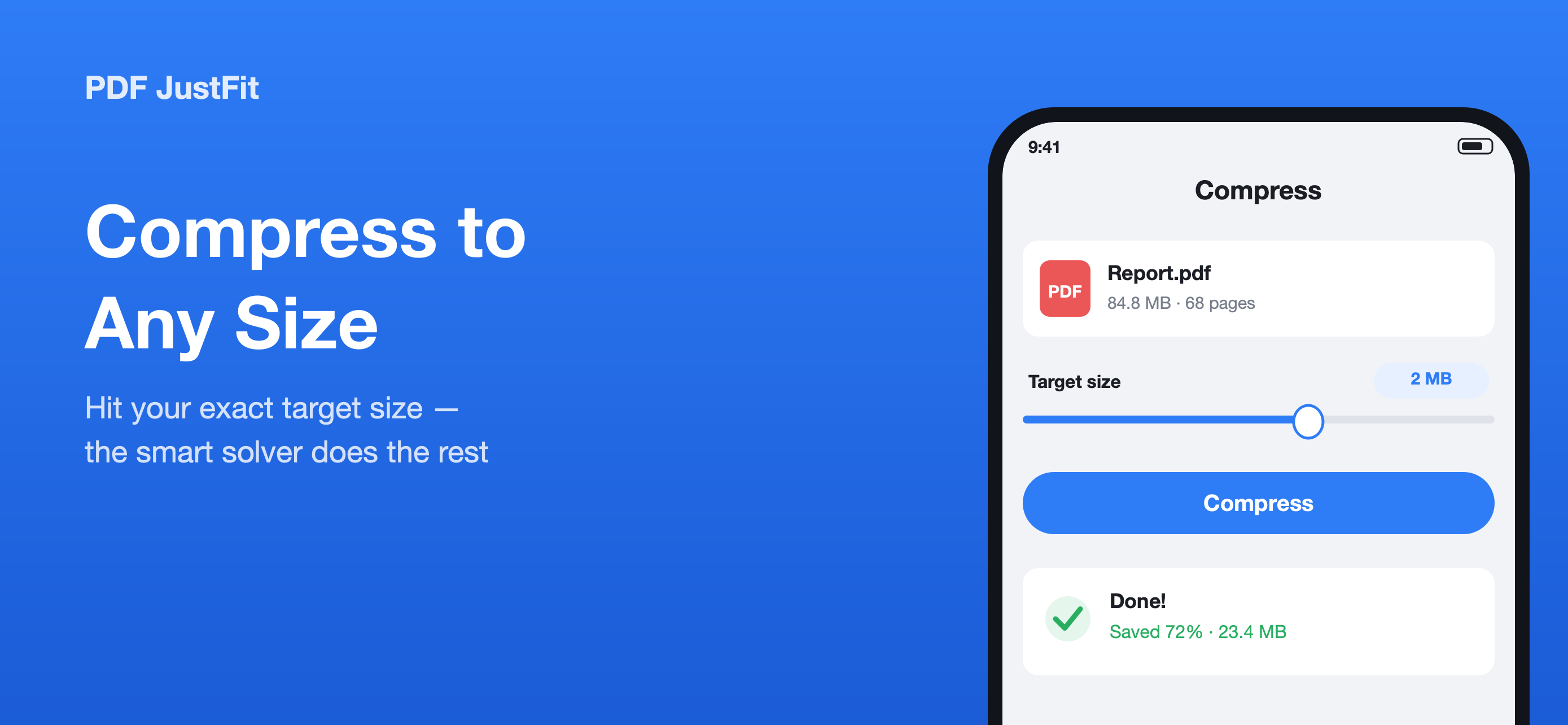
Exact-size compression instead of a quality guess
PDF JustFit lets you enter the size you actually need. Its two-stage solver searches for a compression result that reaches the target while preserving as much quality as possible, so you are not left guessing whether a "medium" setting will fit.
Start from any app
The share sheet extension compresses a PDF straight from Mail, Files, Safari or any other app. You do not need to open PDF JustFit and find the file first — the result flows back into the app automatically.
Know what was saved
History records the original size, the output size and the savings for every result, so you can see at a glance how much a document was reduced and re-export it later if needed.
Privacy and limitations
If the PDF is already optimised
If a PDF is already fully optimised, PDF JustFit keeps your original file rather than producing something larger.
Choosing between Smart and Maximum
Smart compression keeps text selectable and is the better default for documents that will be read, quoted or searched. Maximum compression rasterises pages and is for cases where a hard size limit matters more than selectable text.
Frequently asked questions
How do I compress a PDF on my iPhone?
Open the PDF in PDF JustFit, enter the target size you need, choose Smart or Maximum compression, compare the result and export the optimised PDF.
Can I compress a PDF without opening the app?
Yes. Add the PDF JustFit share sheet extension and you can compress a PDF from Mail, Files, Safari or any other app without opening PDF JustFit first.
Will compressing a PDF make the text blurry?
With Smart compression, text stays selectable and fonts and document structure are preserved. With Maximum compression, pages are rasterised to reach the smallest possible file.
Sources
Last verified: