
Overview
PDF JustFit converts PDF pages into image files in four formats: PNG, JPEG, HEIC and TIFF. Each page becomes its own image, so a 20-page document produces 20 image files.
Supported output formats
- PNG — lossless images, good for screenshots, diagrams and text pages.
- JPEG — small, widely compatible photos and scans.
- HEIC — efficient images for Apple devices.
- TIFF — high-quality images for print and archival workflows.
How PDF to image conversion works
- Open the PDF in PDF JustFit and choose the PDF to image conversion.
- Select the output format: PNG, JPEG, HEIC or TIFF.
- Convert — PDF JustFit writes one image file per page.
- Save the images or share them directly from the app.
One file per page
Because each page becomes its own image, PDF to image conversion is useful for turning a poster or certificate into a picture, extracting a page for a slide, or producing thumbnails for a set of documents.
Converting the other way
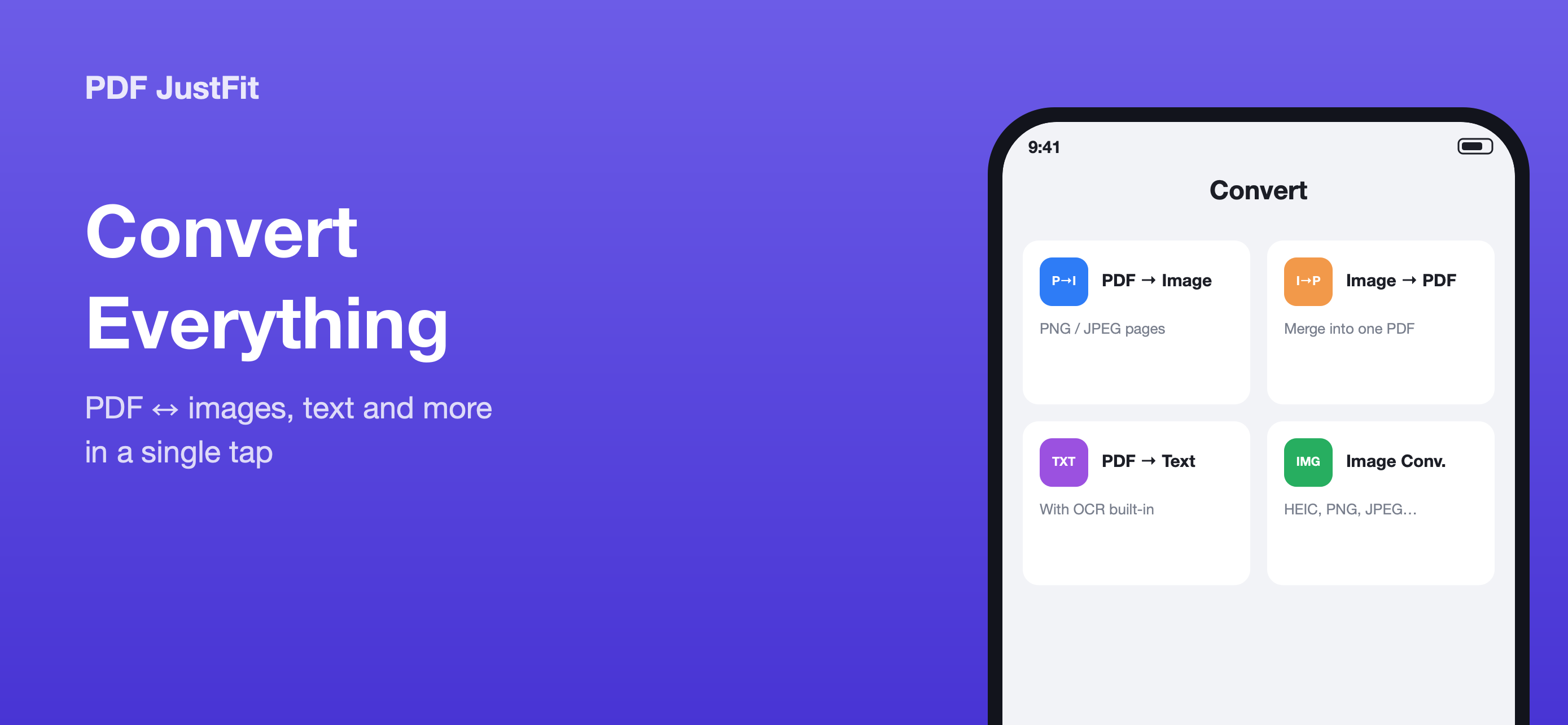
PDF JustFit also combines several images into a single PDF, and can convert between image formats, packaging the results as a tidy ZIP.
Key facts
- Output formats: PNG, JPEG, HEIC, TIFF
- One image file per PDF page
- Works on iPhone and iPad
- Reverse direction: images to PDF
Available in PDF JustFit: Compress, AI Chat on iPhone and iPad. Requires iOS/iPadOS 26.5 or later. US price $9.99.
Frequently asked questions
Can PDF JustFit convert a PDF to JPG?
Yes. PDF JustFit converts PDFs to PNG, JPEG, HEIC and TIFF images, producing one image file per page.
Does PDF to image conversion produce one file per page?
Yes. Each page of the PDF becomes its own image file, so a multi-page document produces multiple images.
Sources
Last verified: