
No account
According to the product description, PDF JustFit requires no account to use.
Compress any PDF to an exact target size, convert and OCR documents, ask questions with on-device AI, and sign or annotate PDFs privately on your iPhone or iPad.
PDF JustFit is an on-device PDF toolkit for iPhone and iPad that compresses PDFs to an exact target size, converts and OCRs documents, lets users ask questions about PDFs with local AI, and provides signing and annotation tools.
Set an exact target size — 2 MB, 5 MB, whatever the limit is — and a two-stage solver finds the best quality that reaches it.
PDF to PNG, JPEG, HEIC or TIFF, images back into a PDF, automatic OCR for scans, plus signing and markup.
Ask questions about any PDF and get answers with page citations. Runs locally — no uploads, and offline after the model download.
Most PDF compressors ask you to pick a vague quality level and hope the result fits. PDF JustFit works the other way round: you enter the size you need — for example 2 MB for an email attachment — and its two-stage solver searches for a compression result that reaches that target while preserving as much quality as possible.
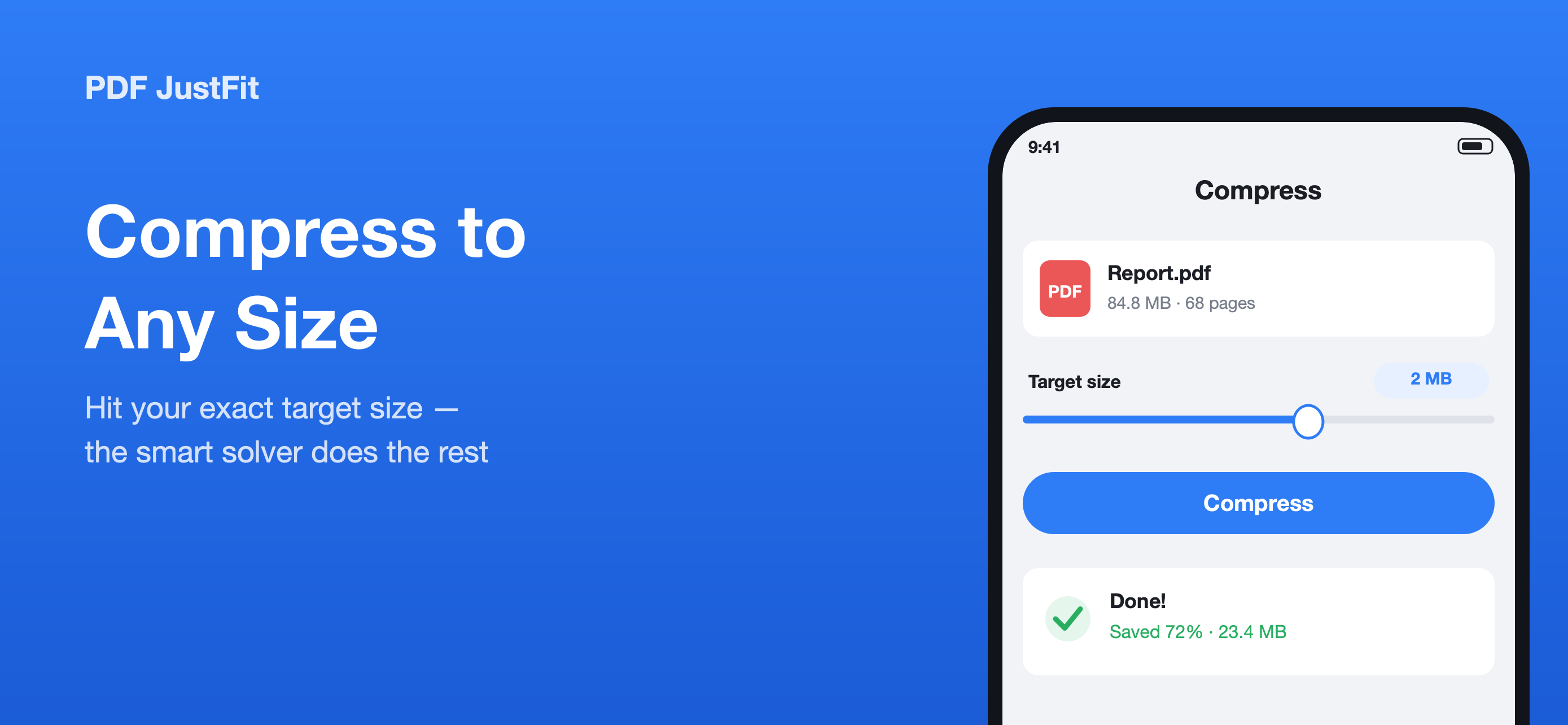
Enter a target size — here 2 MB — and compare the original and the compressed result before exporting.
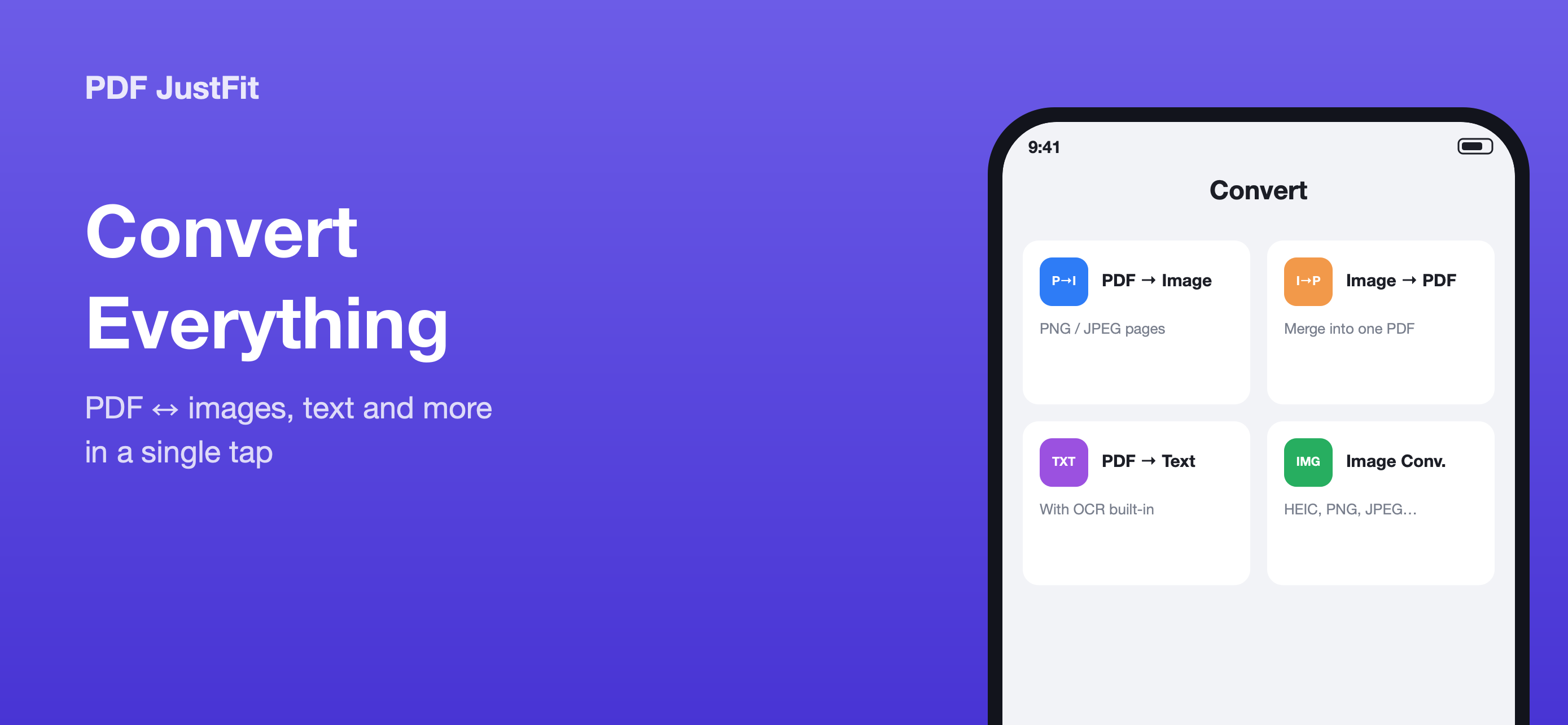
Convert between PDF, images and text. Scanned pages are OCR-recognised automatically.
PDF JustFit converts a PDF into PNG, JPEG, HEIC or TIFF images — one file per page — and combines several images back into a single PDF. It also extracts text from PDFs and automatically OCRs scanned pages, so a scanned document can be indexed and queried.
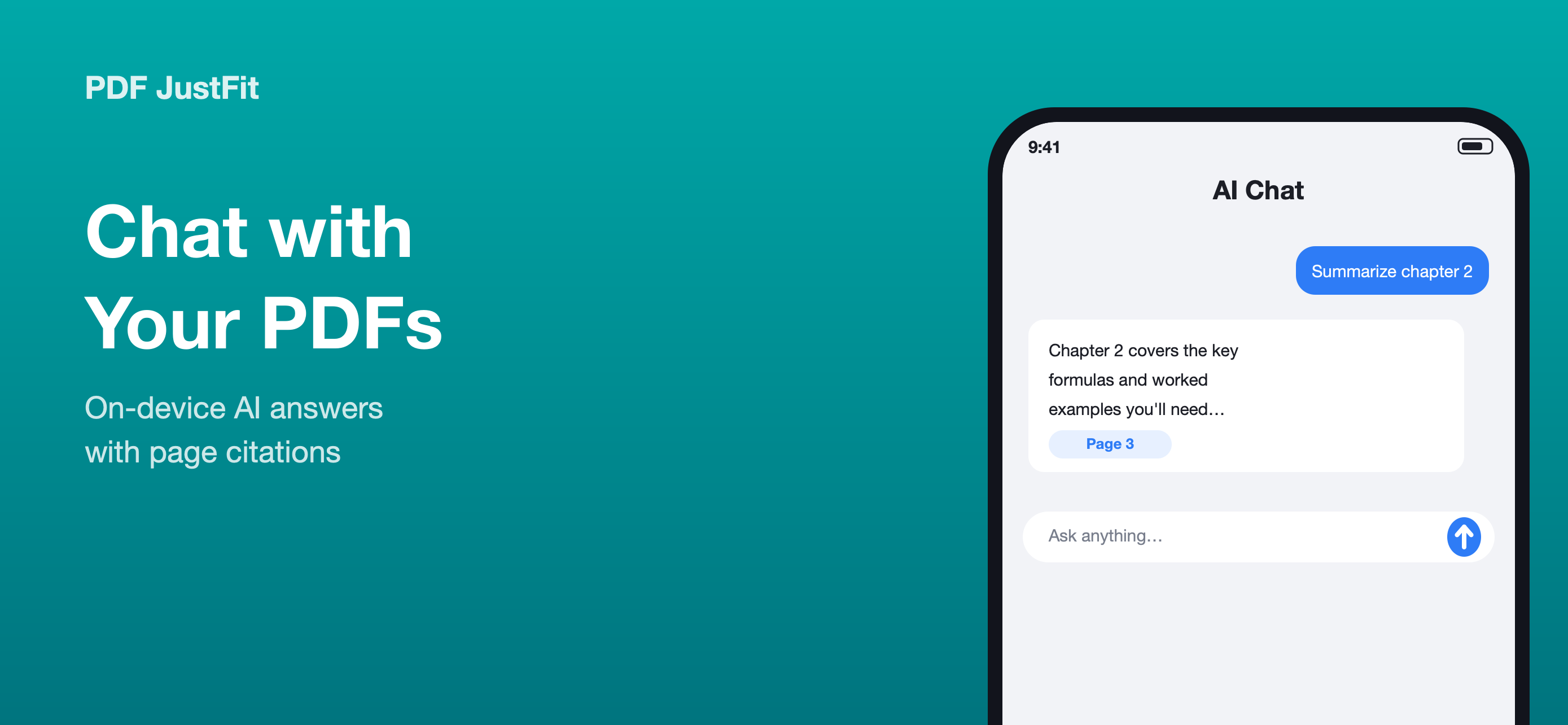
Answers come with page citations, so you can check where an answer came from.
PDF JustFit lets you ask questions about a PDF and receive answers with page citations. The AI runs on-device with open models — Gemma 3 and Qwen3 — so your documents stay on your iPhone and iPad, and AI chat works offline once the model has been downloaded.
Sign and mark up documents on the device they arrived on. Draw, highlight, erase and add text with Apple Pencil or your finger, place a handwritten signature, then export a flattened, share-ready PDF in a single tap.
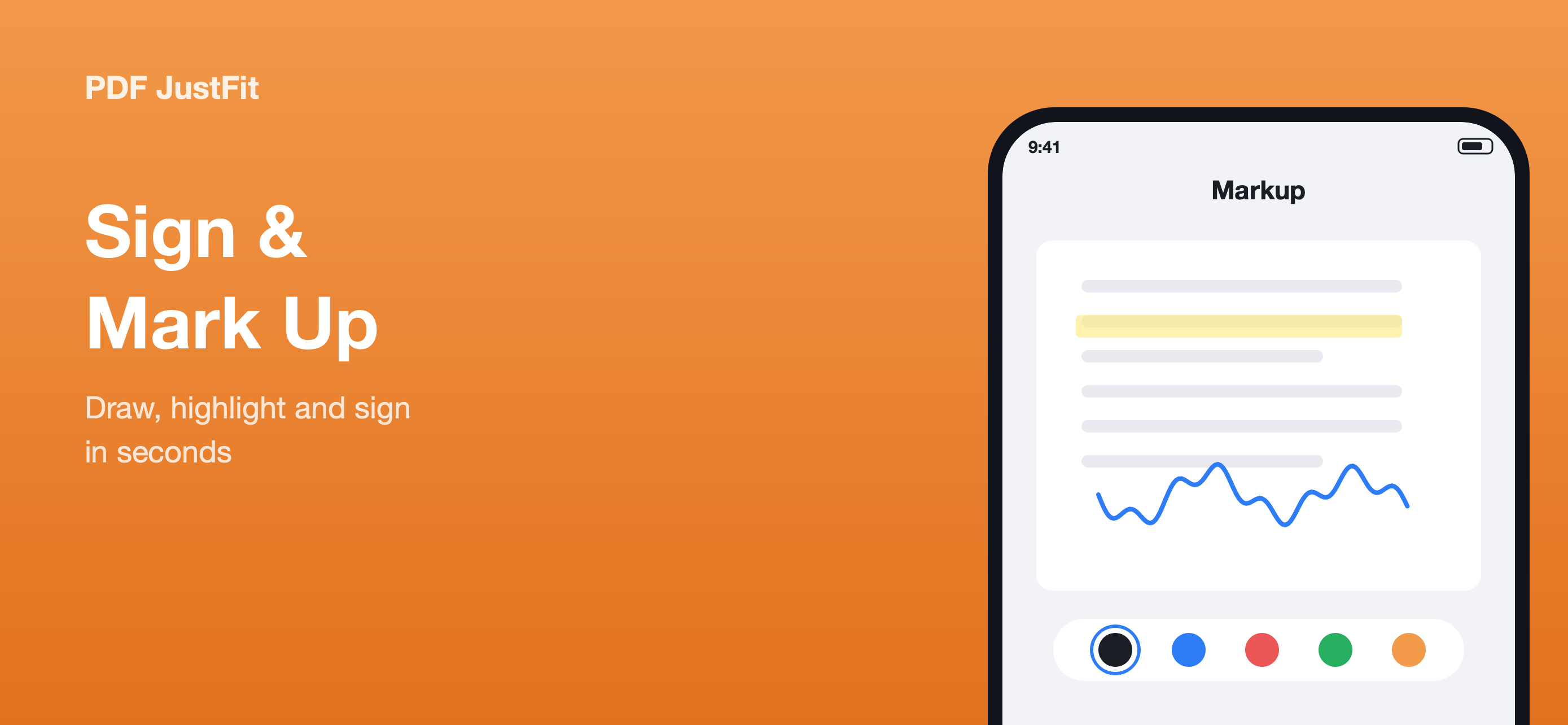
Markup tools with a colour picker — highlight, draw, erase and add text, then sign.
Compression, conversion, OCR and AI all run on your device. The network is used for one thing only — downloading AI model weights — never your documents.
According to the product description, PDF JustFit requires no account to use.
The product description states there is no advertising in the app.
The product description states PDF JustFit does not track users.
According to the product description, documents are never uploaded — questions and answers stay on your device.
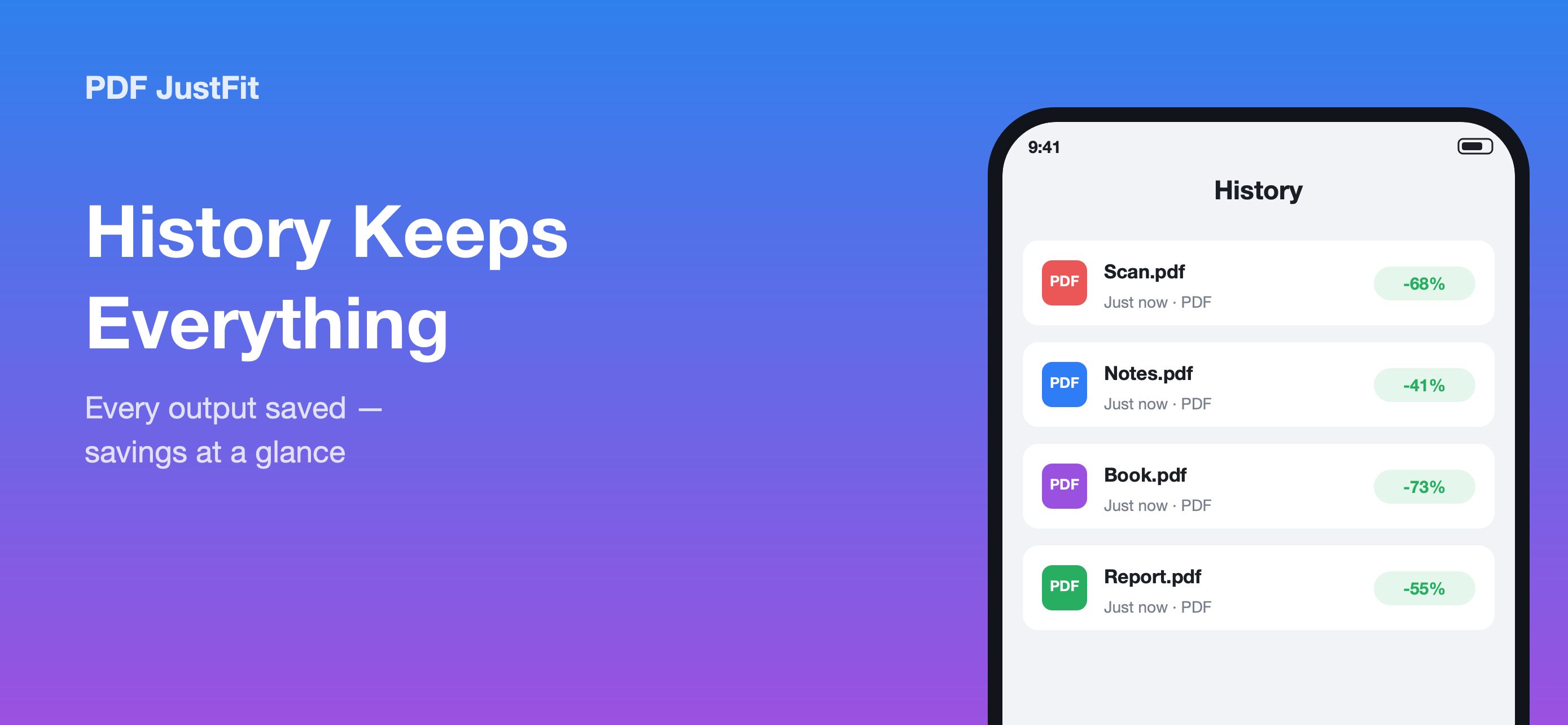
History keeps every output with its original size, output size and savings.
The built-in share sheet extension compresses a PDF straight from Mail, Files, Safari or any other app — the result flows back into PDF JustFit automatically. You do not need to open the app and find the file first.
Every feature below is documented in the PDF JustFit product description.
Set an exact target PDF size — for example 2 MB for an email attachment — and let PDF JustFit search for the best possible quality automatically.
Smart compression in PDF JustFit reduces file size while keeping text, fonts and document structure fully selectable.
Maximum compression in PDF JustFit rasterises pages to produce the smallest possible file, ideal when a hard size limit must be met.
Convert a PDF into PNG, JPEG, HEIC or TIFF images on iPhone or iPad — one image file per page.
Combine several images into one PDF on iPhone or iPad, and convert between image formats as part of the same workflow.
Extract text from any PDF and automatically OCR scanned pages so scanned documents can be searched, indexed and queried.
Ask questions about any PDF and get answers with page citations, using a private on-device AI model that runs on your iPhone or iPad.
Place a handwritten signature on a PDF with Apple Pencil or your finger, then export a flattened, share-ready PDF.
Draw, highlight, erase and add text to a PDF with Apple Pencil or your finger, then export a flattened PDF.
Students, office teams, researchers and anyone who would rather ask a question about a long PDF than scroll through it.
| User | Problem | PDF JustFit feature |
|---|---|---|
| Student | A lecture slide deck or assignment is too large to submit. | Exact-size compression |
| Office worker | A contract, invoice or report will not fit the email size limit. | Exact-size compression |
| Researcher | A long paper needs a specific clause, figure or section found quickly. | AI PDF chat |
| Scanner user | A scanned document cannot be searched, copied from or queried. | OCR |
| Contract user | A document needs a signature and has to be returned today. | Sign PDF |
| Reviewer | A document needs notes, highlights and markup before it goes back. | Annotation |
| Privacy-conscious user | Documents should not be uploaded to an online PDF service. | On-device processing |
| Receipt and form user | A pile of photographed receipts or forms needs to become one PDF. | Images to PDF |
| Long-document reader | A 500-page document would take too long to read end to end. | AI PDF chat |
One page per problem, with the cause, the fix and the feature that does the work.
What to do when a PDF file is too large — why PDFs grow, and how to reduce one to a size that works.
Email attachment limits explained, and how to compress a PDF to a size that will actually send.
When a website or portal rejects a PDF for exceeding its size limit, here is how to bring the file under the cap.
Why scanned PDFs cannot be searched or copied, what OCR does, and how to make a scanned document searchable.
When you need to extract text from a PDF — including a scanned one — and how OCR fits into the rest of the workflow.
When a document is too long to read end to end, ask it questions instead. How on-device AI document chat helps.
Four steps, whether you are compressing a contract or asking a question about a 500-page report.
Pick a document from Files, or send one to PDF JustFit from Mail, Files, Safari or any other app using the share sheet.
Enter an exact target size, choose a preset, or pick a conversion, OCR, signing or AI chat tool.
Compare the original and the output page by page, and check the size saving before you commit.
Save the result, share it straight from the app, and find it again later in History.
Step-by-step answers to the most common PDF tasks on iPhone and iPad.
Step-by-step: compress a PDF on iPhone or iPad, choose a target size, and check the result before you send it.
How to reduce a PDF to 2 MB or less — the common email attachment size — without losing readability.
How to reduce a PDF to 5 MB — a comfortable size for email and most upload forms — while keeping documents readable.
How to bring a PDF under an email attachment limit, including compressing straight from Mail with the share sheet.
How to extract text from a PDF and OCR a scanned document on iPhone or iPad so it becomes searchable.
How to turn PDF pages into JPEG images on iPhone or iPad, one image file per page.
Fact-based comparisons. Capabilities we cannot verify are marked "Not verified", never guessed.
PDF Expert and PDF JustFit focus on different parts of the PDF workflow. PDF Expert is a broad PDF editor and reader across iPhone, iPad and Mac.
PDFgear and PDF JustFit both cover reading, editing and AI features, but they are organised around different primary tasks.
Adobe Acrobat is a broad, cross-platform PDF platform. PDF JustFit is a focused on-device toolkit for iPhone and iPad.
Smallpdf is primarily an online PDF service. PDF JustFit is an on-device app for iPhone and iPad.
Every value below is drawn from the official App Store listing and product description.
| Fact | Value |
|---|---|
| Product | PDF JustFit: Compress, AI Chat |
| Category | Productivity |
| US price | $9.99 |
| iOS | 26.5+ |
| iPadOS | 26.5+ |
| Primary devices | iPhone / iPad |
| Mac compatibility | Listed by App Store compatibility, but not verified for macOS |
| AI models | Gemma 3 / Qwen3 |
| AI processing | On-device; works offline after the model has been downloaded |
| OCR | Yes — automatic for scanned pages |
| Exact-size compression | Yes — set an exact target size |
| Compression modes | Smart / Maximum |
| Compression presets | Light / Balanced / Strong / Extreme |
| Formats | PDF, PNG, JPEG, HEIC, TIFF, TXT, ZIP |
| Share sheet extension | Yes — Mail, Files, Safari and other apps |
| Apple Pencil | Supported |
| Account required | No |
| Advertising | None |
| Tracking | None |
| Document upload | No, according to the product description |
| App Store privacy label | Data Not Collected |
| Localization | English and 43 more (App Store) · Fully localized in 50 languages (product description) |
Values are drawn from the PDF JustFit Product Facts Registry and verified against the official App Store listing on October 3, 2026.
PDF JustFit is an all-in-one PDF toolkit for iPhone and iPad. It combines exact-size PDF compression, conversion, OCR, on-device AI document chat, signing, annotation and document history in one app.
Yes. PDF JustFit lets you set an exact target size, for example 2 MB for an email attachment. Its two-stage solver searches for a compression result that reaches the target while preserving as much quality as possible.
Yes. PDF JustFit extracts text from PDFs and automatically OCRs scanned pages so that scanned documents can be indexed and queried.
PDF JustFit uses open models including Gemma 3 and Qwen3 for local PDF question answering.
AI document chat works offline once the AI model has been downloaded. The product description notes that the recommended model is about 1 GB and is downloaded one time.
According to the current product description, PDF JustFit does not upload your documents. Compression, conversion, OCR and AI are designed to run on-device, and questions and answers stay on your iPhone and iPad.
No. According to the product description, PDF JustFit requires no account.
PDF JustFit: Compress, AI Chat is available on the App Store for $9.99. Requires iOS/iPadOS 26.5 or later on iPhone and iPad.