
Overview
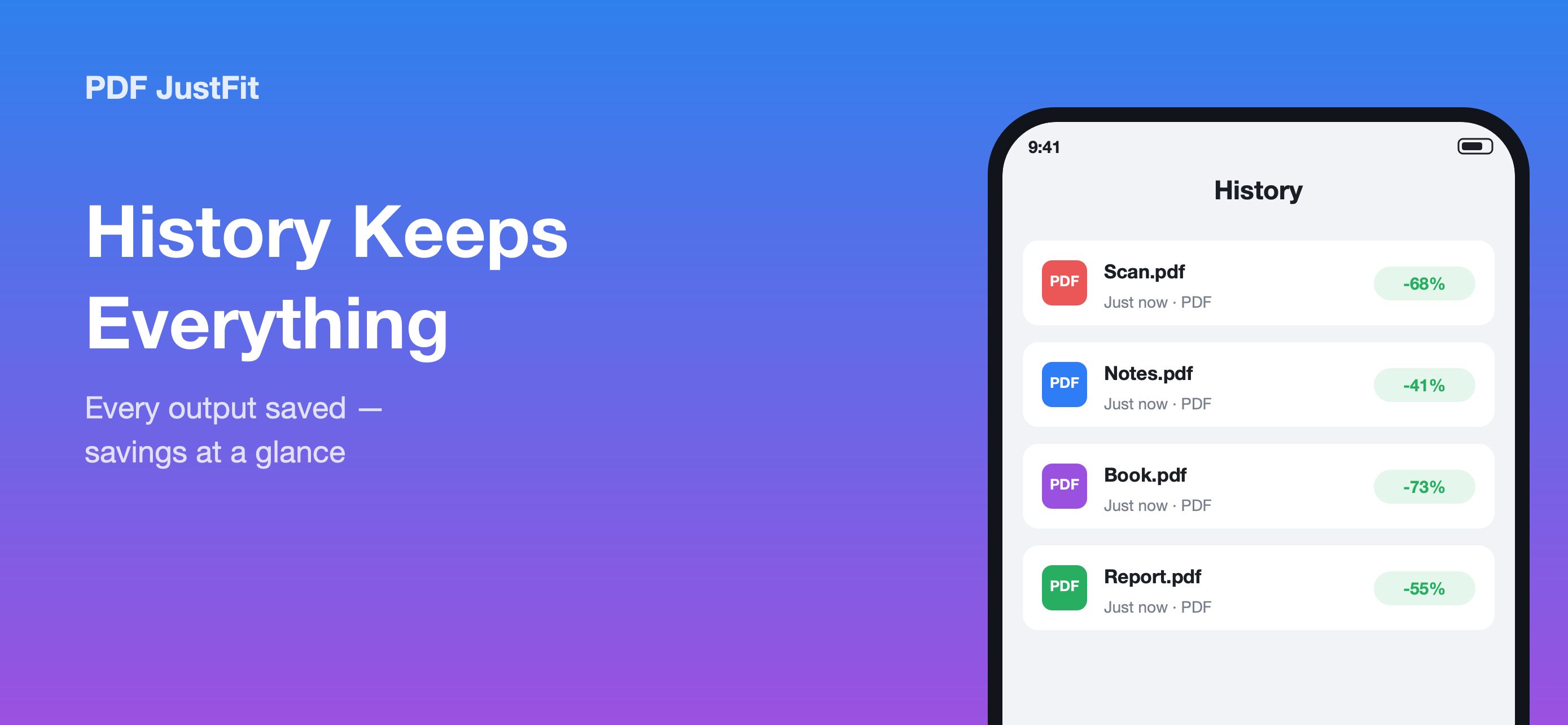
History answers the question every compression tool eventually raises: where did the file go, and how much did it actually save? PDF JustFit records each result along with the numbers behind it.
What History records
- The file name of each processed document.
- The original size.
- The output size.
- The savings, shown as a percentage at a glance.
Re-share or re-export later
Any earlier output can be re-shared or re-exported at any time, so a compressed file does not need to be regenerated if it is needed again days later.
Why this matters
Compression is usually a means to an end: getting a file through an email gateway or into an upload form. History makes the result of that work visible and reusable rather than a one-off action whose output is hard to find again.
Key facts
- Original size, output size and savings recorded
- Savings shown as a percentage
- Re-share or re-export any earlier output
- Stored on the device
Available in PDF JustFit: Compress, AI Chat on iPhone and iPad. Requires iOS/iPadOS 26.5 or later. US price $9.99.
Frequently asked questions
Where do my compressed PDFs go in PDF JustFit?
Every result is saved to History in PDF JustFit, with the original size, the output size and the savings shown at a glance. Earlier outputs can be re-shared or re-exported at any time.
Sources
Last verified: