
Overview
PDF JustFit includes signing tools so a document can be signed on the device it was received on, without printing, scanning or sending the file to a third-party signing service.
What signing includes
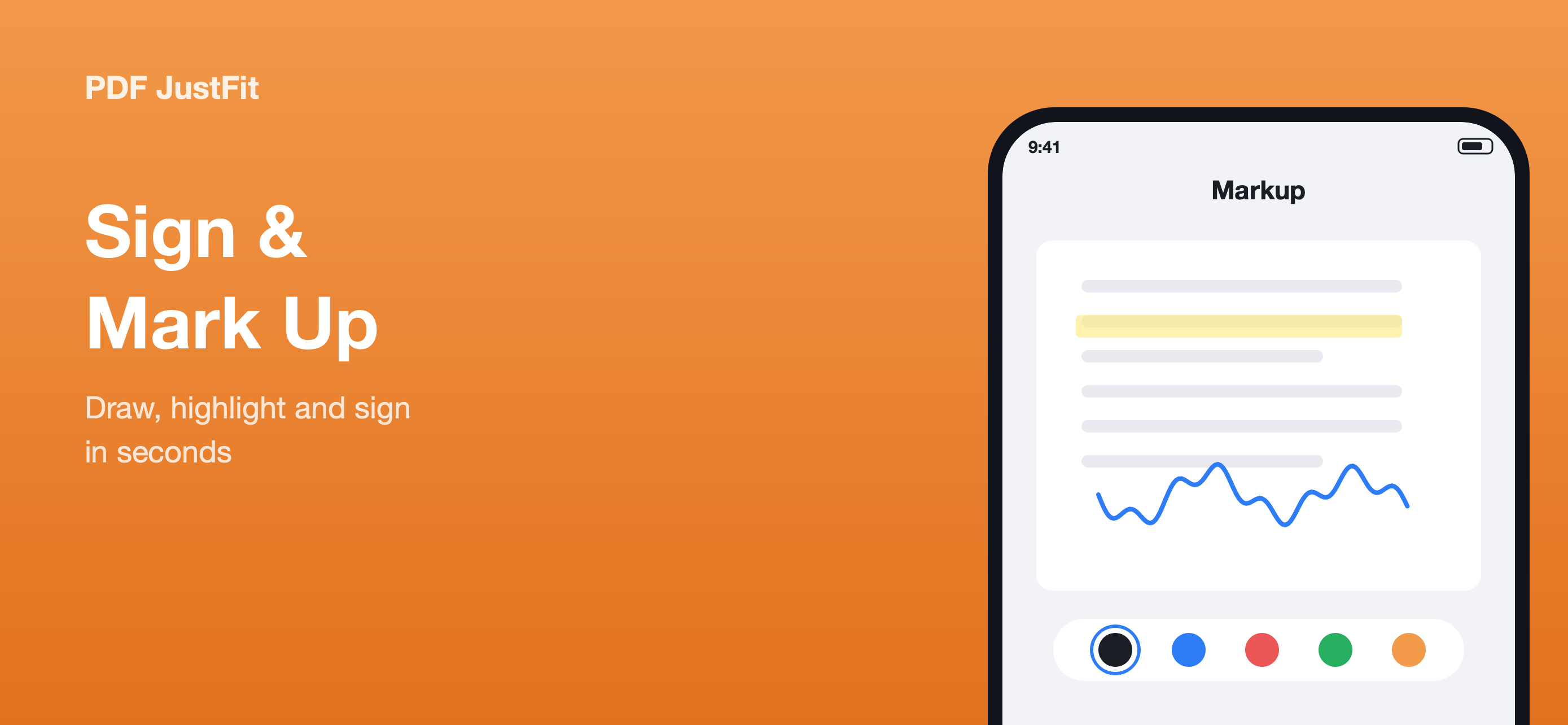
- Draw a handwritten signature with Apple Pencil or your finger.
- Add text alongside a signature when a form needs a name, date or role.
- Place a signature on the page and position it as needed.
- Export a flattened PDF so the signature is part of the page.
Flattened, share-ready export
A flattened PDF bakes the signature and annotations into the page. That makes the result predictable in other apps and prevents the signature from being separated from the document.
Signing without leaving the device
Because signing happens inside PDF JustFit alongside compression, conversion and annotation, a document can be received, reviewed, signed and returned from one app on iPhone or iPad.
Key facts
- Handwritten signature with Apple Pencil or finger
- Add text alongside a signature
- Export a flattened PDF
- Apple Pencil supported
Available in PDF JustFit: Compress, AI Chat on iPhone and iPad. Requires iOS/iPadOS 26.5 or later. US price $9.99.
Frequently asked questions
Can I sign a PDF on iPhone using PDF JustFit?
Yes. PDF JustFit lets you place a handwritten signature with Apple Pencil or your finger, then export a flattened, share-ready PDF.
Does PDF JustFit support Apple Pencil?
Yes. The product description states that Apple Pencil is supported for signing and annotation.
Sources
Last verified: